Plumber Website Design: How to Build a Website That Brings in More Calls
The short answer
A plumber website wins calls by matching each search to the right page. Build a dedicated emergency plumbing page, give every service and main city its own page, make every phone number tap-to-call, show your license, insurance and upfront pricing near the top, and keep quote and booking forms short for planned work like water heater replacements.
Plumbing searches are some of the most urgent on Google. Here’s how a plumber website turns that urgency into calls, from emergency pages to click-to-call and booking.
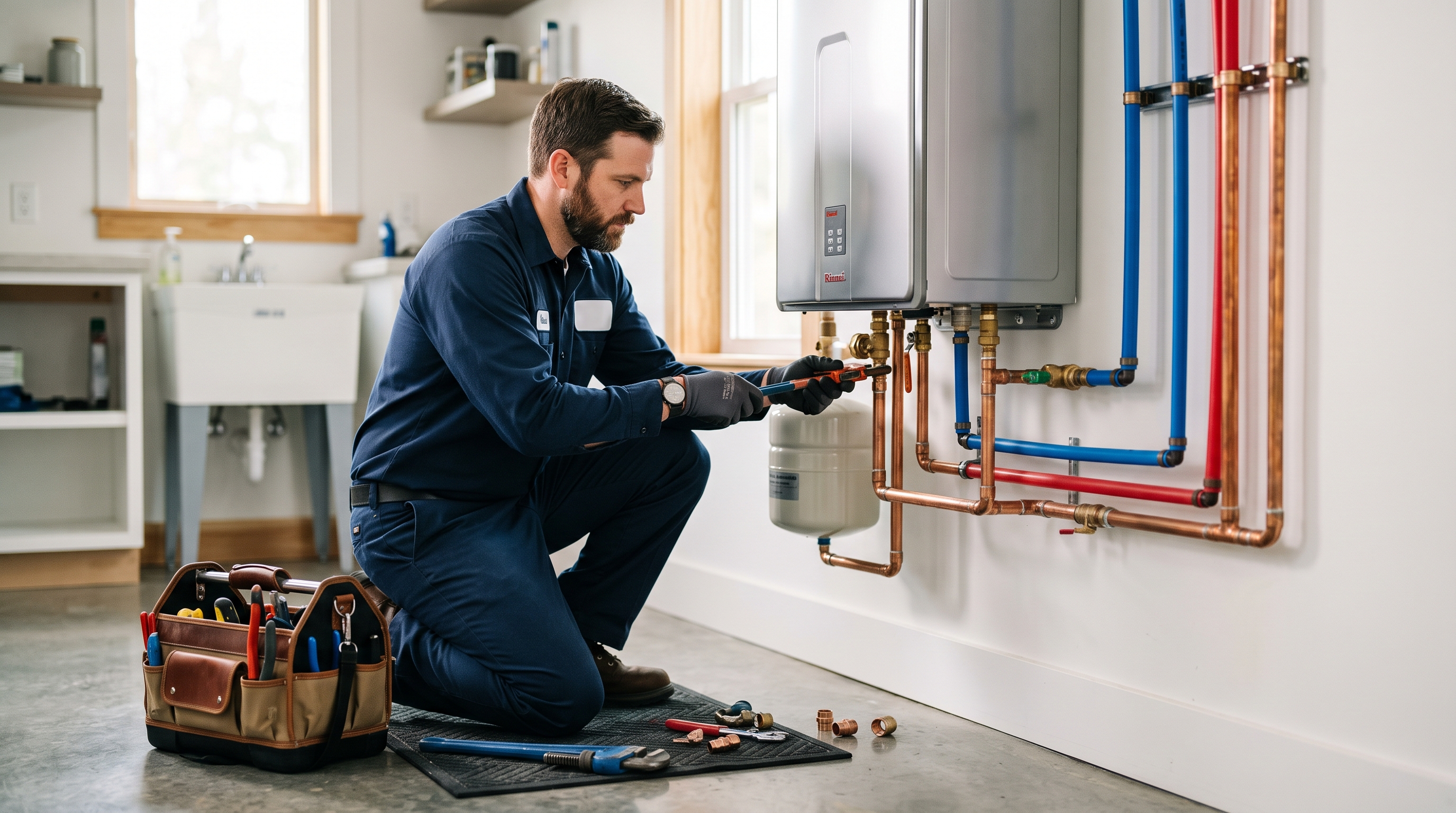
Few searches are as urgent as “emergency plumber near me”. Water is coming through the ceiling, the basement is flooding, or there’s no hot water before work. The person searching isn’t comparing ten companies. They’re calling the first one that looks trustworthy and answers the phone.
That makes plumber website design unusually high stakes. A clear, fast site wins the call. A slow or confusing one sends it straight to a competitor. Here’s how to build a plumber website that brings in more calls.
Match the page to the search
Plumbing searches carry strong intent, but different searches need different pages and different calls to action.
| Search | What the visitor needs | Best page and action |
|---|---|---|
| “Emergency plumber near me” | Someone now | Emergency page, tap to call |
| “Water heater replacement cost” | A price range and options | Water heater page, free estimate |
| “Slab leak repair Houston” | Proof you do this, locally | Service plus city page, call or form |
| “Drain cleaning near me” | Availability and price | Drain cleaning page, book online |
| “Commercial plumbing contractor” | Experience and capacity | Commercial page, request a bid |
A plumber lead generation website builds a page for each of these rather than sending everyone to the homepage.
Build the site around emergencies
If you offer emergency service, make it impossible to miss:
- A dedicated emergency plumbing page that can rank for urgent searches
- Your phone number in the header of every page, with tap-to-call on mobile
- A sticky “Call now” button on phones
- Clear hours, such as 24/7 or nights and weekends, and a realistic arrival time
- Simple advice for while they wait, such as how to shut off the main water valve
That last point does two things. It helps a panicking customer, and it shows you know what you’re talking about.
Give every service its own page
The most common plumbing company website mistake is a single services page with a long list. Each major service deserves its own page:
- Drain cleaning and hydro jetting
- Water heater repair and replacement, including tankless
- Leak detection and slab leak repair
- Sewer line repair and trenchless replacement
- Repiping
- Water softeners and filtration
- Gas line installation and repair
- Fixture installation
- Backflow testing
- Commercial plumbing
On each page, explain the problem, the signs to watch for, how you fix it, how long it takes and a typical price range where you can share one. End with the call to action that fits: call for urgent repairs, book or request a quote for planned work.
Create local area pages
Plumbing is searched locally. Pages for each main city or suburb help you show up for searches like “plumber in Katy” or “water heater installation Sugar Land”. Make each one specific: the neighborhoods you cover, local issues such as hard water, older cast iron pipes or slab foundations, and jobs you’ve completed nearby. A list of ZIP codes helps both customers and search engines.
Use click-to-call everywhere
Most plumbing calls come from phones. Check that every phone number on the site is tappable, including in the header, the footer, service pages and the contact page. Track those taps as conversions so you know which pages produce calls. If you can’t answer every call yourself, use an answering service. A missed emergency call is usually a lost job.
Show the trust signals homeowners look for
Inviting a stranger into your home is a big ask, especially in an emergency. Show these near the top of the page and next to every form:
- State plumbing license number and master plumber on staff
- Licensed, bonded and insured
- Background-checked, uniformed technicians
- Upfront or flat-rate pricing before work starts
- Warranties on parts and labor
- Google rating and number of reviews
- Years in business and jobs completed
Photos of your real team and branded vans help more than any stock image.
Make quote and booking requests easy
Not every plumbing job is an emergency. For planned work like water heater replacements, repiping or remodel plumbing, give people a short form and, if your scheduling software allows it, online booking. Ask for name, phone, ZIP code, service type and a short description, and let them upload a photo of the problem. Tell them how fast you’ll reply.
Plumbing contractor websites for builders and commercial clients
If you do new construction or commercial plumbing, the site needs a different section. GCs want to see project experience, capacity, licensing, insurance and how you schedule rough-in and top-out. Our Trunkline demo shows this approach, with spec tables, metric-heavy case studies and a booking form that asks for plans and fixture counts.
Plumber website SEO basics
- Use “Plumber” as your primary Google Business Profile category and add relevant secondary categories
- Use a real business address or a hidden service-area profile. Plumbing is heavily targeted by fake listings, so Google is strict with verification
- Add Plumber schema markup to the site
- Name the service and city in title tags on every service and area page
- Publish answers to common questions, such as tank versus tankless water heaters or the signs of a slab leak
Our guide to SEO for contractors covers the full process.
Plumber website ideas and examples
Our Brassline demo is built for a residential plumbing and heating company. It shows an emergency tag in the hero, click-to-call in the header, large callouts for 24/7 service and warranty length, and the plumbing license shown upfront. More ideas worth borrowing:
- A “What to do in a plumbing emergency” guide linked from the header
- A water heater page that compares tank and tankless options with price ranges
- Before and after photos of repiping or sewer line jobs
For more plumber website examples and other trades, see our construction website examples.
When to redesign your plumber website
If the site is slow on a phone, lists every service on one page, hides the phone number, or brings in few calls despite steady traffic, a plumber website redesign is likely the best investment you can make this year. For the general principles, see construction website design: what a high-converting contractor website needs.
Plumber website FAQs
What is the most important page on a plumber website?
For most residential plumbers, the emergency plumbing page. It targets the most urgent, highest-value searches and should make calling effortless.
Should plumbers list prices on their website?
Sharing your service call fee and typical ranges for common jobs, such as water heater replacements, builds trust. Customers are far more likely to call when they have a rough idea of cost.
How many service area pages should a plumber have?
Start with the cities or suburbs that bring in the most work, usually five to ten. Each page needs genuinely local content, not just a swapped city name.
Do plumbers need online booking?
It helps for planned work like drain cleaning, inspections and estimates. Emergencies should still go straight to the phone.
Get a plumber website that rings
We build plumber websites with emergency pages, service and area pages, click-to-call and booking set up from day one, at a fixed price from $2,000 and live in seven days. See our website design for plumbers page or book a free 15-minute call. For more ways to grow, read how to get more construction leads.
Want a website that brings in work like this?
Fixed price, live in seven days, built only for construction firms. Book a 15-minute call and we will tell you straight what we would do.