What a Landscaping Website Needs to Fill Your Schedule
The short answer
A landscaping website has to sell two things: one-off design and build projects, and recurring lawn care or maintenance. That means a photo-led portfolio with before-and-after shots, a page or section for each service, the towns you cover in text, seasonal offers, credentials and a quote form that asks for the property and the job.
Landscaping sells on photos, but photos alone do not book estimates. Here is what a landscaping or lawn care website needs, from the portfolio to service areas, seasonal offers and the quote form.
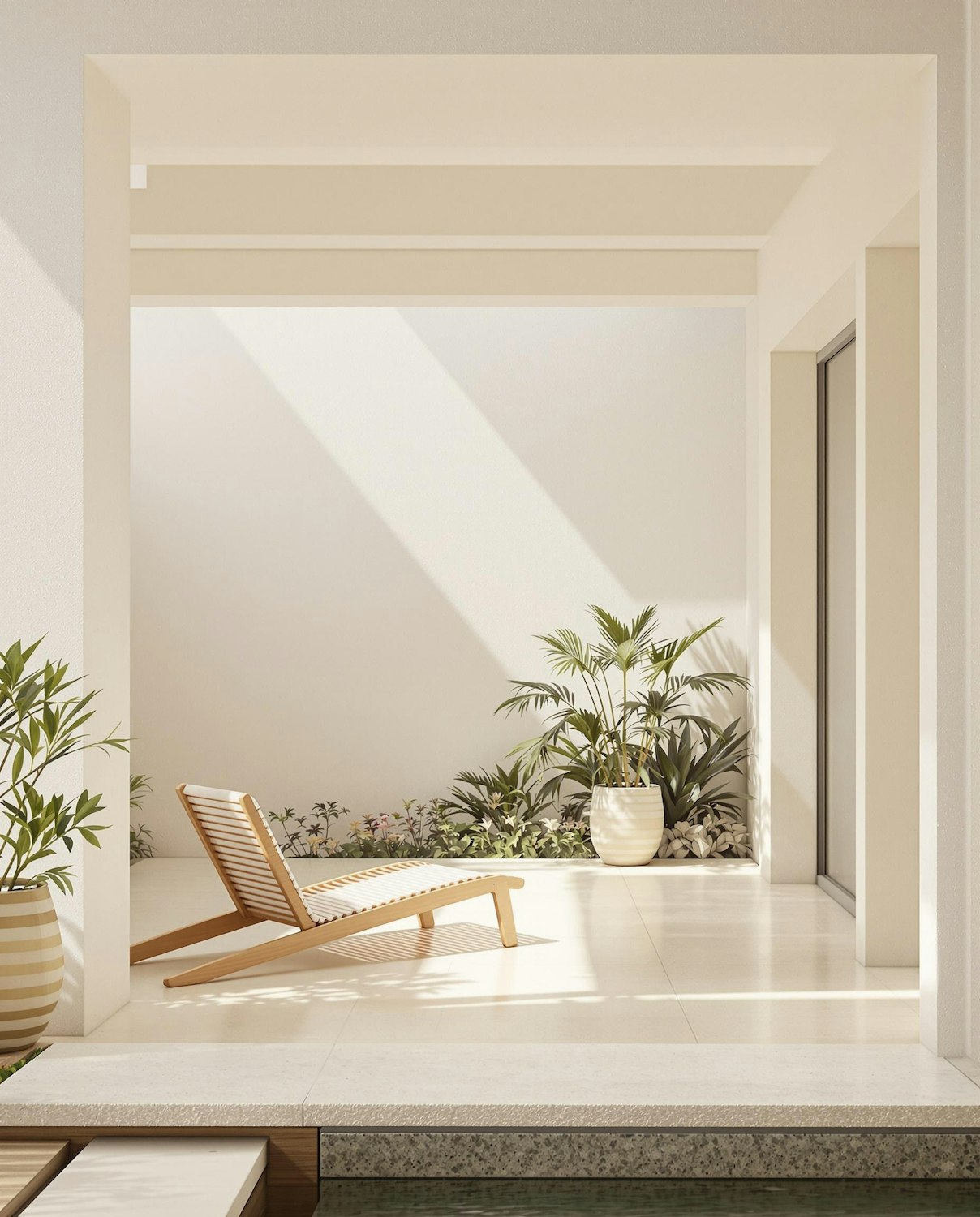
Landscaping is one of the few trades where the website can do most of the selling before you ever visit the property. A homeowner planning a new patio or a full backyard wants to see what you have built. A homeowner who just wants the lawn mowed every week wants to know you cover their street and what it costs. Most landscaping websites only serve one of them.
Here is what a landscaping website needs to bring in both kinds of work, plus ideas worth borrowing and a step-by-step plan if you are making one yourself.
Know your two landscaping buyers
Nearly every landscaping and lawn care company sells to two different people:
- The project buyer. A new patio, retaining wall, outdoor kitchen, planting plan or full backyard. They compare portfolios, ask about design, and take weeks to decide.
- The recurring buyer. Weekly mowing, seasonal cleanups, fertilization, snow removal in colder states. They want coverage, reliability and a clear price.
Give each a path. Projects lead with the portfolio and a design consultation. Maintenance leads with the towns you cover, what each plan includes and a quick quote. If your site tries to sell both with one generic contact form, both buyers drift away.
Make the portfolio the centerpiece
Landscaping is visual, so the portfolio does more work than any paragraph. Make it count:
- Use your own photos of finished jobs, never stock images of someone else's garden
- Show before-and-after pairs, ideally with a slider, so the change is obvious
- Caption each project with the town, the scope and the main materials
- Group projects by type: patios and hardscaping, planting, outdoor living, lawn renovation
- Add the newest job regularly, so the site looks active
Photograph jobs in soft morning or evening light, and shoot the same angle before and after. A dozen strong pairs will outsell a hundred random phone shots.
Give each service its own space
Homeowners search for the job, not for "landscaping services". Give each main service its own section, and its own page once you want it to rank on its own:
- Landscape design and installation
- Hardscaping: patios, walkways, retaining walls, fire pits
- Planting, trees and shrubs
- Irrigation installation and repair
- Lawn care and mowing plans
- Seasonal cleanups, mulching and snow removal where you offer it
For each one, say what is included, how long a typical job takes, and a price range or starting price where you can share it. End with the right call to action: a design consultation for projects, a quick quote for maintenance.
List your service areas in text
Landscaping is local and routes matter. Name the towns and neighborhoods you cover in plain text on the site, not only inside a map image. If you only take maintenance work within a set distance of your yard, say so. Being clear about where you work stops calls you would decline and helps you show up for searches like "lawn care in Round Rock".
Use the seasons
Landscaping demand moves with the weather, and your website should too:
- Spring: cleanups, planting and new lawn care sign-ups
- Summer: irrigation checks and outdoor living projects
- Fall: aeration, overseeding, leaf cleanup and planning next year's projects
- Winter: snow removal in colder states, and design consultations for spring installs
Change your homepage banner and featured service with each season. Booking spring projects in winter keeps crews busy when the weather turns.
Show the trust signals homeowners check
Put the credentials that matter where visitors see them, close to the top of the page:
- Your state contractor or landscape license, where your state requires one
- An irrigation license if your state licenses irrigation work separately, as Texas does
- A pesticide applicator license if you apply weed or pest control
- General liability insurance and workers' comp
- Industry memberships and manufacturer certifications for pavers or irrigation systems
- Real Google reviews, ideally mentioning the type of job
Licensing rules vary by state, so name the license you hold rather than claiming a blanket "fully licensed".
Build a quote form that qualifies the lead
A landscaping quote form should take under a minute on a phone. Ask for name, phone, email, the property address or ZIP code, the service, and a rough budget for projects. Let people upload a photo of the yard. For maintenance, ask for the approximate lawn size and how often they want service. Keep the phone number visible next to the form for people who would rather call.
Landscaping website ideas worth borrowing
- A project page per signature job, with a before-and-after slider, the plant list and the build time
- A simple "Maintenance plans" table with what each tier includes
- A seasonal checklist homeowners can save, which earns links and repeat visits
- A short video walk-through of a finished backyard
- A "What happens after you contact us" section that explains the consultation, design and install steps
Our landscaping demo Hedgerow puts several of these in place, and our construction website examples break down more layouts.
How to make a landscaping website, step by step
- Decide your two paths. Write down your project services and your maintenance services, and the call to action for each.
- Gather your photos. Pick your best 12 to 20 before-and-after pairs and caption each one.
- Choose how to build. Pick a builder or a template, or have it built for you. Our guides to website builders for contractors and contractor website templates compare the options.
- Write the service sections. One block per service, with what is included and a price range where you can share it.
- Add your service area. List towns and neighborhoods in text.
- Add credentials and reviews. License, insurance and three to five strong reviews near the top.
- Set up the quote form and tap-to-call. Test both on your own phone.
- Connect Google. Link your Google Business Profile and set a unique title and description for every page.
Landscaping website SEO basics
- Choose an accurate primary category on your Google Business Profile, such as Landscaper or Lawn care service, and add your other services
- Write page titles that name the service and the town
- Add local business structured data with your name, address or service area and phone number
- Name your photo files and add alt text that describes the job
- Ask every happy customer for a Google review, and mention the service in your request
Our guide to SEO for contractors covers local search in more depth.
Landscaping website FAQs
Should landscapers show prices on their website?
Show starting prices or ranges for maintenance plans and common jobs such as mulching or cleanups. Keep design-build projects as free consultations, but say what typical budgets look like so you avoid calls that will never fit.
Do I need separate pages for lawn care and landscaping?
If you sell both, yes, at least separate sections. They attract different buyers searching different words, and a lawn care customer should not have to scroll past patio projects to find a mowing plan.
How many photos should a landscaping website have?
Quality beats quantity. Start with 12 to 20 strong before-and-after pairs across your main services, then add new jobs every month or two in season.
What is the best website builder for a landscaping business?
Squarespace suits photo-led landscaping sites with little effort, and Wix has more built-in booking tools. If you would rather not build it yourself, a custom site built around your portfolio is the alternative. See our comparison of website builders for contractors.
Get a landscaping website built
We build landscaping and lawn care websites with photo-led portfolios, before-and-after sliders and a clear path for projects and maintenance. See our landscaping website design page, or learn how our contractor website design works. Fixed $2,000, live in 7 business days. Sites start as one focused page and scale up with up to 5 more pages and two CMS collections, such as a project gallery, when you need them.
Want a website that brings in work like this?
Fixed price, live in 7 business days, built only for construction firms. Book a 15-minute call and we will tell you straight what we would do.