HVAC Website Design: What an HVAC Company Website Needs to Generate Leads
The short answer
An HVAC company website has to serve three buyers: emergency repair customers who need someone today, homeowners comparing a planned replacement, and maintenance customers. That means tap-to-call on every page, one page per service and service area, financing next to replacement offers, a dedicated maintenance plan page, online booking for routine work and visible credentials.
HVAC customers call in a hurry or shop around for a big purchase. Here’s how an HVAC website handles both, plus maintenance plans, financing and online booking.
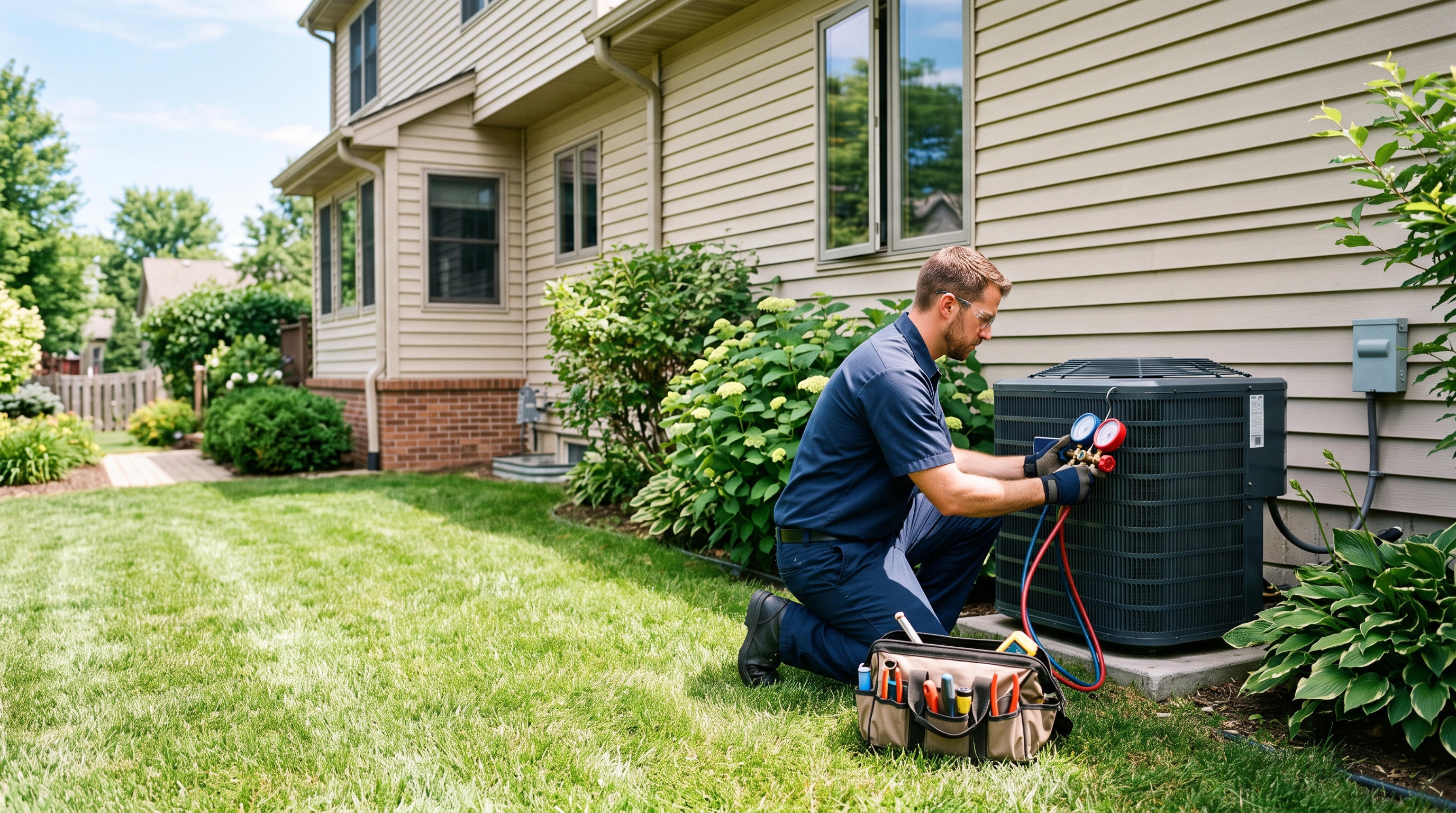
An HVAC company website has a harder job than most. On a 100-degree afternoon it needs to turn a stressed homeowner with a dead AC into a booked service call within a minute. In spring, it needs to persuade someone weighing a $10,000 system replacement that you’re the safe choice. And all year, it should be selling maintenance plans that keep customers coming back.
Good HVAC website design handles all three. Here’s what that takes.
Know the three HVAC buyers
Most HVAC website visitors fall into one of three groups:
- Emergency repair. No heat, no cooling, strange noises. They want someone today and will call the first credible company they find.
- Planned replacement or installation. A system near the end of its life, a new heat pump, a ductless mini-split. They compare options, prices and financing.
- Maintenance. Tune-ups and service agreements. Price-conscious, but valuable over time.
Each needs a different path through the site. An HVAC lead generation website gives each group a page, a message and a call to action that fits.
Make emergency calls effortless
For repair visitors, every second counts:
- Put the phone number in the header of every page, with tap-to-call on mobile
- Add a sticky “Call now” button on phones
- State your hours clearly, including nights, weekends and holidays if you cover them
- Show your typical response time or same-day availability
- Add a short emergency banner during heat waves and cold snaps
If you charge a diagnostic or after-hours fee, say so. Clear pricing on the page reduces awkward calls and builds trust.
Build service pages that match how people search
Homeowners search for specific problems and systems, not “HVAC services”. Give each main service its own page:
- AC repair
- AC installation and replacement
- Furnace repair and installation
- Heat pump installation
- Ductless mini-splits
- Indoor air quality and duct cleaning
- Commercial HVAC, if you offer it
Each page should explain the service, common signs of the problem, typical timelines and price ranges where you can share them, and the brands you install. Close every page with a call to action that suits the service: “Call now” for repairs, “Get a free estimate” for replacements.
Add service area pages
HVAC is local. A page for each main city or county you serve helps you appear for searches like “AC repair Mesa” or “furnace replacement Aurora”. Make them genuinely local: the neighborhoods you cover, typical housing stock and systems in that area, and jobs you’ve completed there.
Put financing front and center
A full system replacement is one of the biggest purchases a homeowner makes outside the house itself. If you offer financing, don’t hide it in the footer:
- Mention monthly payment options on the replacement and installation pages
- Add a short financing page explaining terms, approval and how to apply
- Mention available manufacturer rebates and utility incentives, and keep them current
Financing often decides whether a replacement happens now or gets patched for another year.
Sell your maintenance plan
Maintenance agreements smooth out seasonal cash flow and keep customers from shopping around next time. Give your plan its own page with:
- What’s included, such as tune-ups, priority scheduling and repair discounts
- The price per month or year
- A sign-up button or form
Then link to it from every repair and installation page. Customers who just paid for a repair are often the most open to a plan.
Offer online booking
Many customers, especially younger homeowners, prefer to book without a phone call. If your field service software supports online scheduling, embed it on the site. Offer booking for routine work like tune-ups and estimates, and keep the phone as the main route for emergencies.
Show the trust signals HVAC buyers look for
- State HVAC or mechanical contractor license number
- NATE-certified technicians and EPA Section 608 certification
- Manufacturer dealer status, such as Carrier, Trane or Lennox programs
- Licensed, bonded and insured
- Workmanship and parts warranties
- Years in business and number of systems installed
Put the most important two or three right below the hero, not only on the About page.
Use reviews where decisions happen
Pull your best Google reviews onto the homepage and each service page. A review that mentions a fast repair belongs on the AC repair page. One about a smooth replacement belongs on the installation page. Link to your Google profile so visitors can see the full picture.
Design for the phone first
Most emergency HVAC searches happen on a phone, often from a hot or cold house. Test every page on a real phone: the number should be tappable, buttons should be thumb-sized, forms should be short, and the page should load in under three seconds.
HVAC website SEO basics
- Choose a specific primary category on your Google Business Profile, such as “HVAC contractor” or “Air conditioning contractor”
- Use HVACBusiness schema markup on the site
- Write title tags that name the service and city on every service and location page
- Publish seasonal content ahead of demand, such as AC tune-up checklists in spring and furnace safety tips in fall
- Explain changes customers ask about, such as the move to new refrigerants in new systems
Our guide to SEO for contractors covers the rest.
HVAC website ideas worth borrowing
- A “Repair or replace?” page that helps homeowners decide, ending with a free estimate offer
- A seasonal banner that switches between cooling and heating
- A simple price range table for common jobs
- Photos of your own technicians and branded trucks, never stock photos
For more inspiration, see our construction website examples.
When an HVAC website redesign makes sense
If your current site doesn’t work well on a phone, has one page for all services, hides financing or maintenance plans, or can’t take online bookings, a redesign will usually pay for itself in a single busy season.
For the general principles behind a site that converts, read construction website design: what a high-converting contractor website needs.
HVAC website FAQs
What should an HVAC homepage show first?
Your main services, the area you serve, a trust signal such as your rating or license, and a tap-to-call number. Emergency availability should be visible without scrolling.
Should HVAC companies show prices online?
Showing diagnostic fees and typical ranges for common jobs builds trust and filters out poor-fit leads. Full replacements can stay as free estimates, with financing shown as a monthly figure.
How often should an HVAC website be updated?
Seasonally at minimum. Switch banners and featured services between cooling and heating, update rebates and incentives, and add new projects and reviews as they come in.
Do HVAC companies need online booking?
It isn’t essential, but it captures customers who would rather not call, especially for tune-ups and estimates. Keep the phone as the main route for emergencies.
Get an HVAC website built
We build HVAC contractor websites with emergency call paths, service and area pages, financing and maintenance plan pages built in. See our website design for HVAC companies page, or book a free 15-minute call. Fixed price from $2,000, live in seven days. For more ways to grow, read how to get more construction leads.
Want a website that brings in work like this?
Fixed price, live in seven days, built only for construction firms. Book a 15-minute call and we will tell you straight what we would do.