Contractor Website Design: How to Build a Website That Generates More Leads
The short answer
Contractor website design that generates leads treats the site as a sales tool. Every important page says what you do, where you work and why to trust you within five seconds, keeps a tap-to-call number in reach, uses a short quote form, puts license and review proof beside every call to action, and tracks each lead to its source.
Traffic is only half the job. This is how a contractor website turns visitors from Google, referrals and ads into phone calls and quote requests.
Plenty of contractors have a website that gets visitors and still doesn’t ring the phone. The problem is rarely traffic. It is what happens in the 30 seconds after someone lands on the page.
Good contractor website design treats the site as a sales tool. Every visitor arrives with a question, and the site’s job is to answer it fast enough that calling you feels like the obvious next step. This guide covers how to build a website for contractors that does exactly that.
Different visitors need different things
Your traffic comes from three main places, and each visitor arrives knowing something different.
| Where they come from | What they already know | What they need from the site |
|---|---|---|
| Google search | Nothing about you | Proof you do this job, in their area, and do it well |
| Referral from a past client | Your name and a recommendation | Confirmation: photos, credentials, an easy way to call |
| Google, Meta or Local Services ad | The offer in the ad | A page that matches the ad exactly |
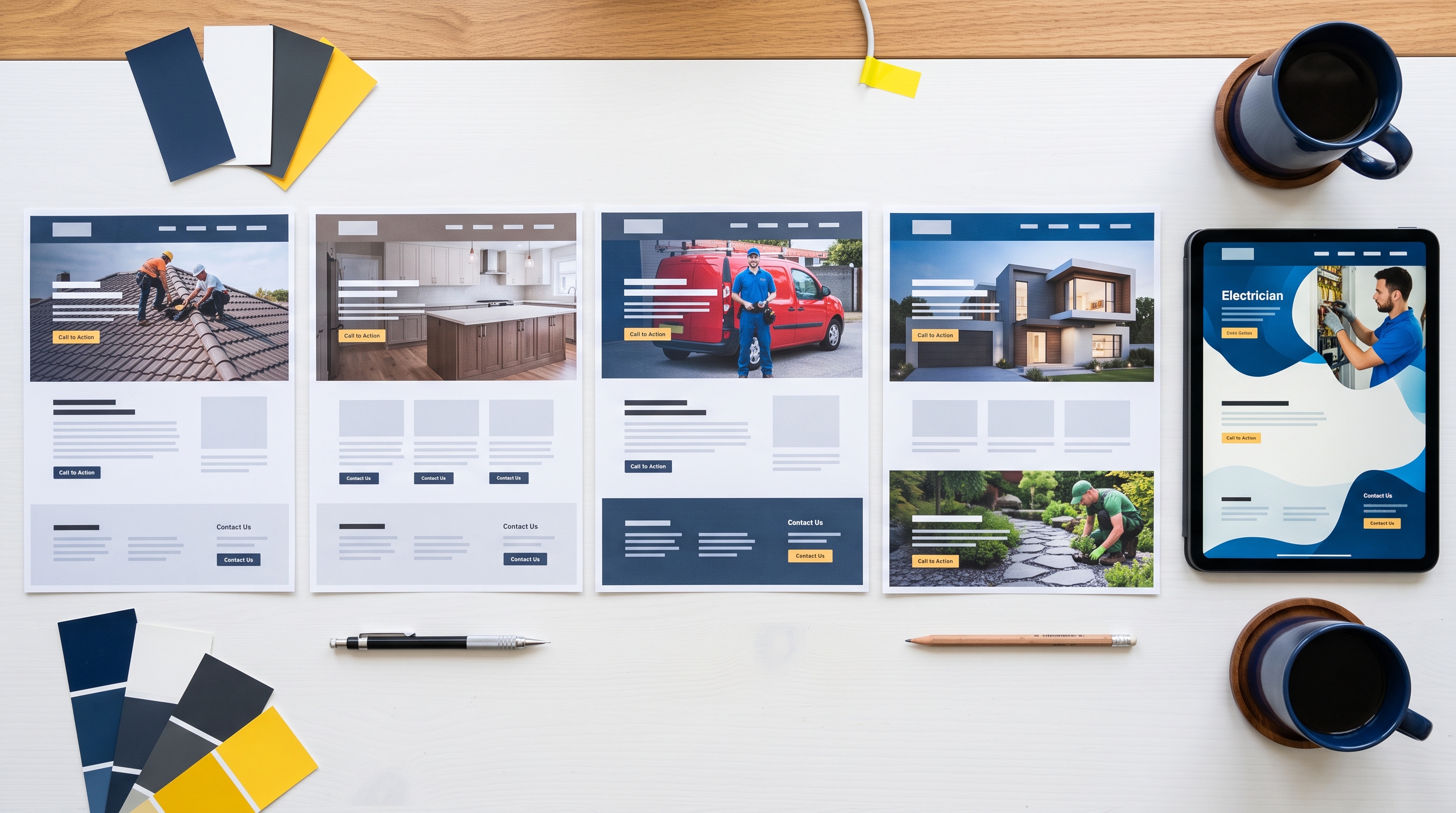
A homepage alone can’t serve all three. That is why a contractor lead generation website relies on service pages, project pages and ad landing pages, each built for one kind of visitor.
Win the first five seconds
The top of every important page should answer four questions before anyone scrolls:
- What do you do? “Custom home builder” or “Residential and commercial roofing”, not a slogan.
- Where? Name the city or region you serve.
- Why trust you? A rating, years in business, or a license line.
- What do I do next? A phone number and one button.
Compare “Building dreams since 1998” with “Kitchen and bathroom remodeling in Tampa, licensed and insured, 4.9 stars from 210 reviews”. The second tells a visitor they are in the right place.
Calls to action that people actually use
Most contractor leads still arrive by phone, so make calling effortless:
- Put the number in the header of every page, with tap-to-call on mobile
- Add a sticky call button at the bottom of the screen on phones
- Say when someone will pick up, and what happens after hours
- Offer a second option for people who prefer not to call: a short form or online booking
Use one primary action per page. A page that asks visitors to call, fill in a form, download a guide, follow you on Facebook and sign up for a newsletter gets none of those things done well.
Forms that get filled in
Every extra field on a quote form costs you inquiries. Ask only what you need to qualify the job and call back:
- Name and phone number
- ZIP code, so you can check the service area
- Project type, as a dropdown
- A short description, with an optional photo upload
After someone submits, send them to a thank-you page that says when you will be in touch. It reassures the customer and gives you a clean way to track conversions.
Put proof next to the decision
Trust signals work best right beside the call to action, not on a separate page nobody visits. Next to your quote button or form, show:
- Your state license number and a licensed, bonded and insured line
- Your star rating and two or three short reviews
- Warranties on workmanship and materials
- Financing options, if you offer them for larger residential jobs
- Manufacturer certifications or association badges relevant to your trade
Buyers are weighing risk. Show them the risk is low at the exact moment they are deciding.
Build landing pages for paid traffic
If you run ads, never send the clicks to your homepage. Someone who clicked an ad for “roof replacement financing” should land on a page about roof replacement financing, with the same wording as the ad, one form, your phone number and nothing else to distract them. Matching pages convert better and usually lower your cost per click too.
Speed and mobile are conversion issues
A page that takes five seconds to load loses a large share of visitors before they see anything. Compress your photos, avoid heavy sliders and autoplay video, and test every page on a real phone. Check that buttons are big enough to tap with a thumb, and that the form works without zooming in.
Track every lead back to its source
Without tracking, you can’t tell which pages, searches or ads bring in work. Set up:
- Form submission tracking in Google Analytics 4
- Call tracking numbers for each major source
- Click-to-call tracking on mobile
- A “how did you hear about us?” field or question on every call
Review the numbers monthly. Pages that get traffic but no leads are your best opportunities.
Contractor website features checklist
- Clear headline with your service and location
- Tap-to-call number in the header and a sticky mobile call button
- One page per core service, each with its own call to action
- Project pages with photos, scope, location and timeline
- License, insurance and warranty details near every form
- Reviews pulled onto service pages, not just a reviews page
- Short quote form and a thank-you page
- Landing pages for each ad campaign
- Fast load times and a layout tested on real phones
- Call and form tracking
For contractor website ideas you can borrow, see our construction website examples. For the full list of what the site needs beyond conversion, read construction website design: what a high-converting contractor website needs.
Redesign or rebuild?
If your site is getting visitors but not calls, a contractor website redesign focused on the points above can lift results without starting over. If it is slow, hard to edit, missing service pages or built on a platform you don’t control, a rebuild is usually the cheaper route over time.
Choosing a contractor website design company
Ask these questions before you sign anything:
- Do I own the site, the domain and the content outright?
- Is the price fixed, and what exactly is included?
- Is local SEO set up as part of the build, or sold separately?
- Who writes the page copy?
- How long until the site is live?
- What does it cost to make changes after launch?
A good contractor web design partner will answer each one plainly.
Contractor website FAQs
What is the most important feature on a contractor website?
A phone number people can tap from any page. Most contractor leads still come by phone, and a buried number costs calls every day.
Should a contractor website have a blog?
Yes, if you will keep it going. One useful article a month answering real customer questions builds search traffic and trust over time.
How do I know if my website is working?
Track calls and form submissions by source. If a page gets steady traffic but almost no inquiries, the page is the problem, not the traffic.
A website that brings in work
We build contractor websites around one goal: more calls and quote requests. Every site is custom, owned by you, set up for local SEO and live in seven days, at a fixed price from $2,000. See our pricing or our construction web design service, then book a free 15-minute call. For other ways to bring in work, read how to get more construction leads.
Want a website that brings in work like this?
Fixed price, live in seven days, built only for construction firms. Book a 15-minute call and we will tell you straight what we would do.